Photo to PDF
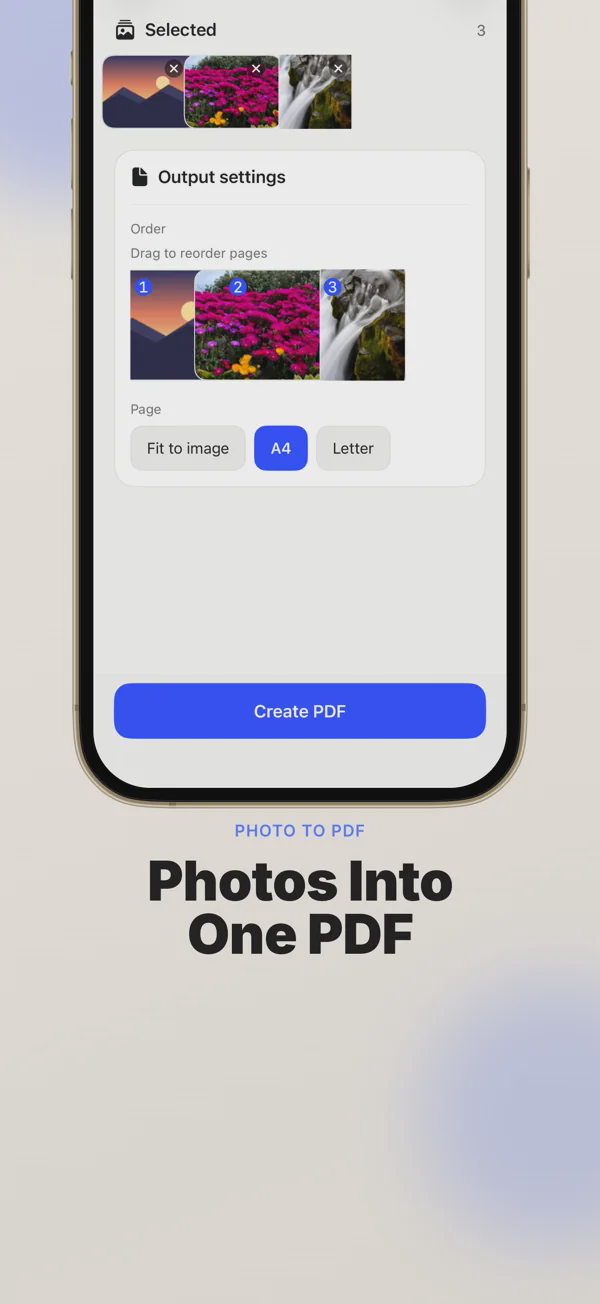
Combine photos into one PDF, reorder pages, choose page size.
Apps · Photo and video

Photo to PDF, image converter and compressor for iPhone
About the app
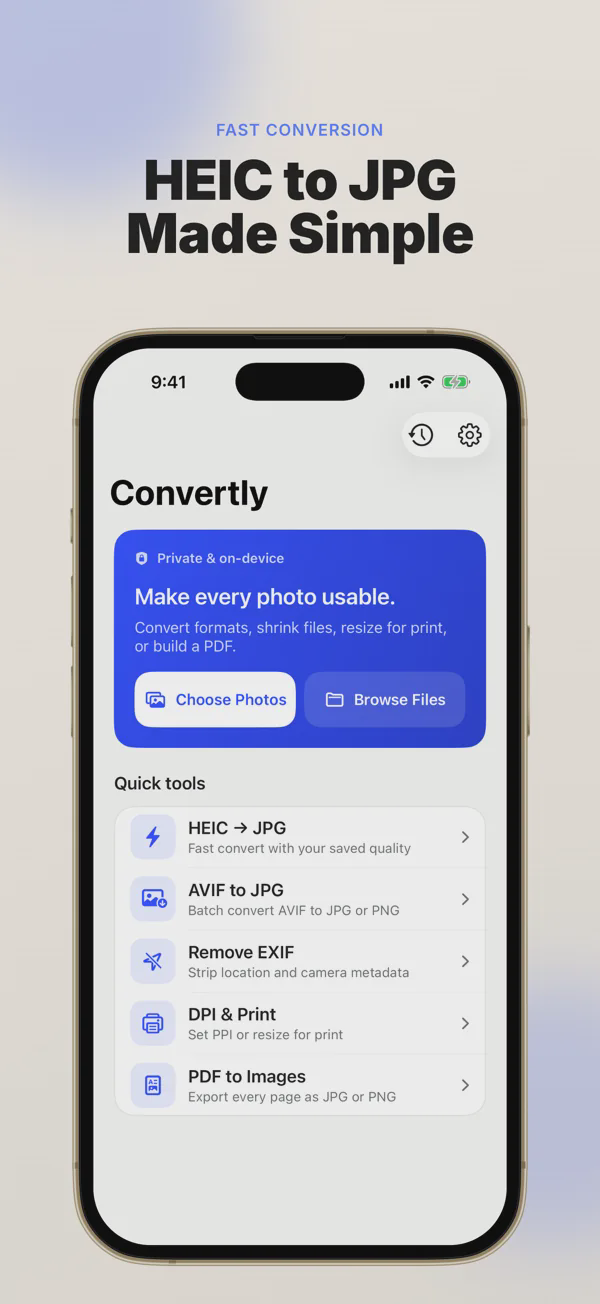
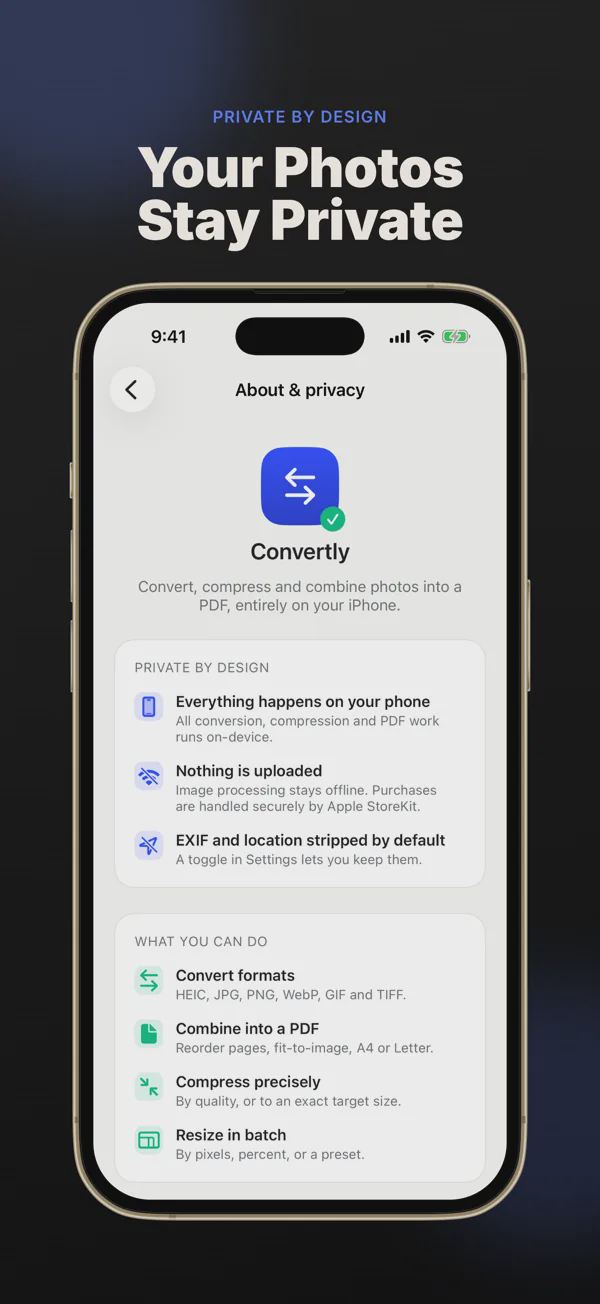
Convertly is an image converter and PDF toolkit for iPhone that does all its processing on your device. Combine photos into one ordered PDF, export PDF pages as JPG or PNG, convert between image formats, compress and resize, and strip private metadata, all without your originals being changed.
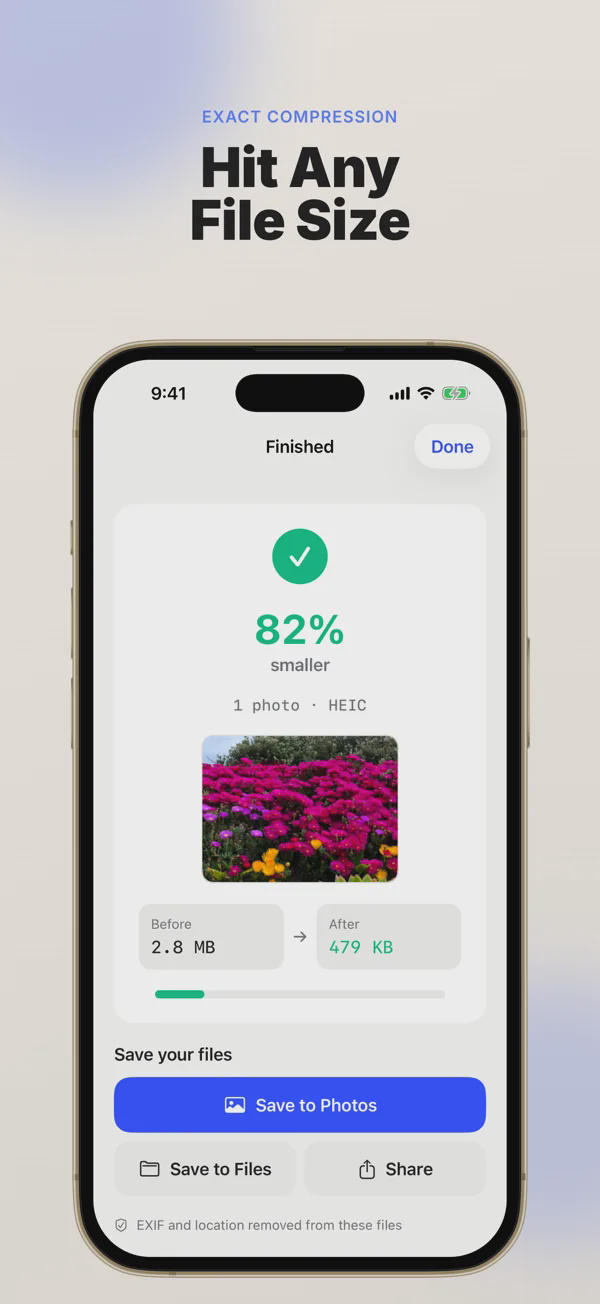
Make a PDF from several photos, drag the pages into order and choose Fit to Image, Letter or A4. Convert HEIC to JPG, PNG to JPG, WebP, AVIF, TIFF and static GIF, one at a time or in batches, with orientation and colour profiles preserved. Compress by quality or to a target size such as 500 KB or 1 MB, and resize by pixels, percentage or print size with PPI control.
Before you share a photo, Convertly can remove EXIF, GPS location and camera metadata automatically, or let you choose what to keep. Your first five files are free, with a Premium subscription for unlimited use.
Features
Combine photos into one PDF, reorder pages, choose page size.
Export every page as JPG or PNG, in order.
HEIC, JPG, PNG, WebP, AVIF, TIFF and GIF, singly or in batches.
Target a file size or set exact dimensions, with print-size control.
Strip location and camera data before sharing.
Images and PDFs are processed on your iPhone.
Free to download on iOS.
Convertly · FAQ
Yes. It converts HEIC to JPG and between PNG, WebP, AVIF, TIFF and static GIF, individually or in batches.
No. All image and PDF processing happens on your iPhone.
Your first five files are free. Unlimited use needs a Premium subscription, available weekly, monthly or yearly.
Yes. Add the photos, drag them into order and choose the page size.
 Knives MasterKnife throwing game with boss levels, no Wi-Fi neededArcade · Android
 Ludo PartyClassic ludo with the computer or 2 to 4 players on one phoneBoard game · Android
 Captions & QuotesCaptions, bios, status lines and shayari to copy and sharePhotography · Android
 SawariBill Book and Vehicle Tax RemainderTools · Android
 SomnlyShift Worker Sleep CalculatorLifestyle · iOS
 NetlySalary CalculatorFinance · iOS
Convertly is designed and built by Choyo Labs, a New Zealand studio. We build apps for other businesses too: see mobile app development. Convertly privacy policy.